Operator Command Center
Start every morning knowing what's behind, what's blocked and what's next. Your pipeline, jobs and numbers on one screen.
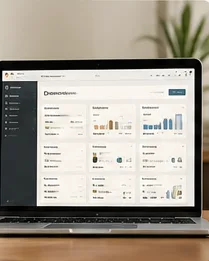
Build•Print connects the pieces most builders run on sticky notes, five apps and memory: leads, sales, pricing, permitting, delivery and the numbers that tell you if it's working.
Each one was developed running Tiny Homes of Tucson, then rebuilt so another builder can run it.
Start every morning knowing what's behind, what's blocked and what's next. Your pipeline, jobs and numbers on one screen.
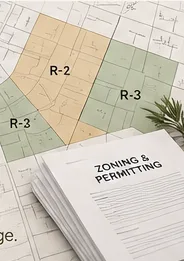
Know what you can build on a lot before you quote it: zoning, setbacks, size limits and permit steps for your market.
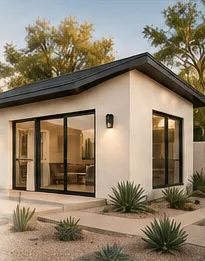
Sell from proven floor plans, elevations and finish packages instead of designing every project from scratch.
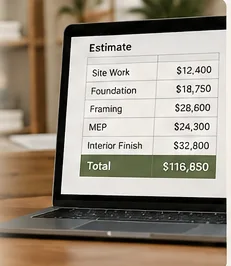
Turn your local labor and material costs into ADU prices you can stand behind, with the margin built in.
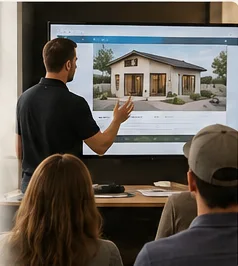
Your salesperson learns to qualify, present and close homeowners, and gets certified on real calls before running them alone.
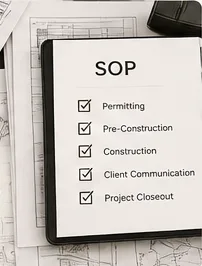
Scripts, checklists and procedures your team follows, so the business doesn't live in your head.
Certified means your company has proven it runs the system: verified by our team, step by step. Not a certificate for watching videos.

The Command Center doesn't show you everything. It shows you what needs you: work that is behind, blocked, waiting on review or coming up on a deadline.
Every homeowner from first contact to signed contract, and who owns the next step.
Projects in design, permitting and construction, and which ones are stuck.
Marketing spend, cost per lead, close rate and margin, without a spreadsheet.
What's behind, what's blocked, what needs review and what's coming due.
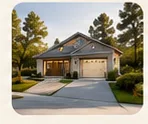
Most contractors answer a new lead with a calendar link. A Build•Print operator answers with the homeowner's own lot, a plan that fits it and a picture of the finished unit.
"Thanks for contacting us. When would you like to schedule a call?"
 Review the property
 Check initial feasibility
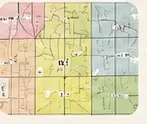 Identify zoning requirements
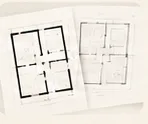 Select a fitting floor plan
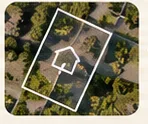 Place it on the parcel
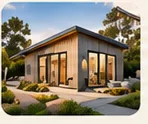 Create a site-fit image
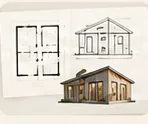 Send floor plan + exterior elevation
 Give the homeowner a clear next step
A stronger first response builds confidence, speed and trust.
Build•Print connects to the CRM, project management and accounting tools operators run, and pulls the numbers into one view. Founding Operators use one standard stack, which we set up with you.
12 questions. An honest score. A clear next step, whatever the answer.
Take the Readiness Assessment